The AI music generation space has grown crowded. Suno and Udio now face dozens of competitors, each claiming to turn text into studio-quality tracks. For someone who regularly needs background music for video projects and occasionally wants to explore song ideas without booking studio time, the question is no longer whether AI can make music — it is whether a particular tool fits a specific workflow without wasting time or money. I spent several days testing one platform that keeps appearing in creator forums: an AI Song Generator that promises royalty-free output and a straightforward three-step process. Here is what the actual experience looks like from a practical user perspective, not from a marketing page.
What the Platform Actually Offers
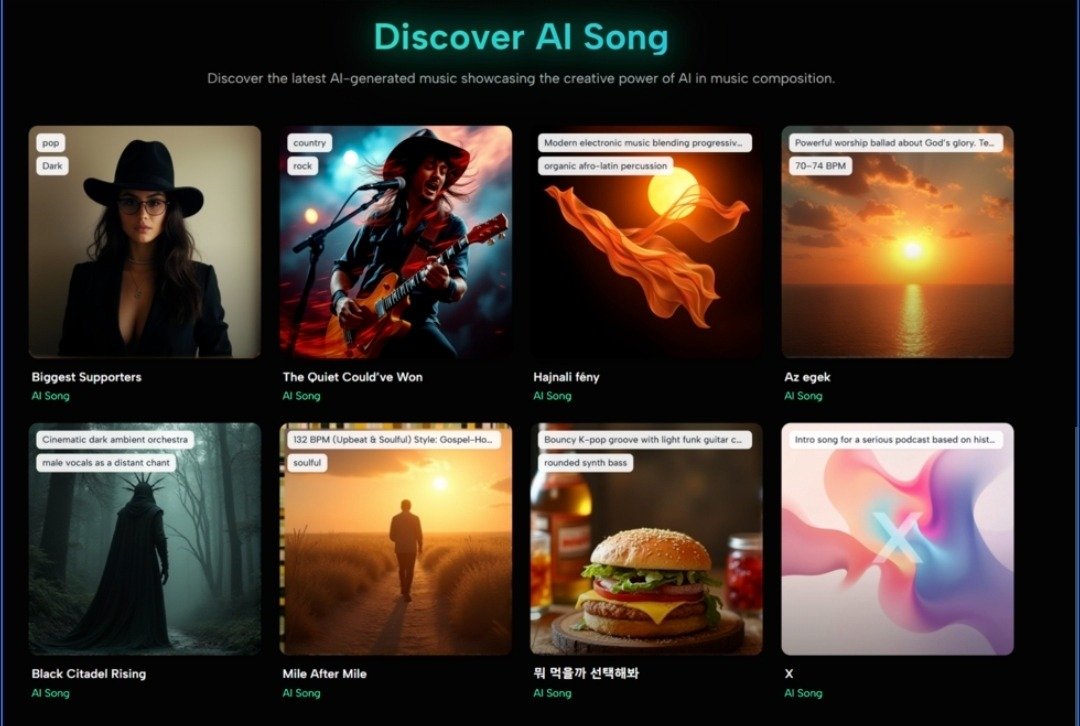
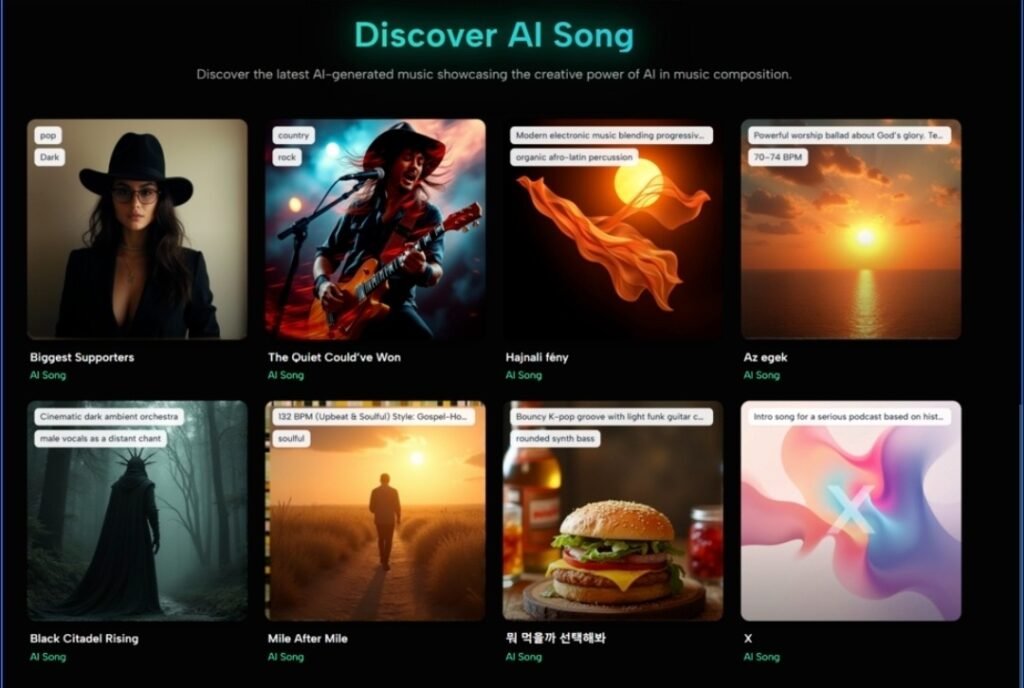
The homepage loads with sample tracks visible immediately — lo-fi beats with spoken word, gothic ballads with dark piano swells, synthwave with 80s drums, ambient pieces with minimal piano. These examples serve a clear purpose: before signing up, you can press play and judge the output quality for yourself. The production feels clean at 44.1kHz, and the genre range is genuinely broad, spanning country, gospel, Afrobeats, Burmese pop, and Broadway-style jazz in the showcase section alone.
The core value proposition is simple. You describe what you want in plain language, the system generates a complete composition, and you download an MP3 with no watermarks. The platform states its generated music is 100% royalty-free for commercial use on paid plans, which matters if you plan to use tracks in client videos, podcasts, or monetized content.
Under the hood, the platform runs on multiple AI model versions including v4.5+, v4.5, v4.1, v2, and v1.5. It supports lyrics in multiple languages and covers over 30 music genres. New users receive several free generations upon registration, with no credit card required for the trial.
Testing the Tool: What Happens When You Press Generate
My Test Framework
To avoid cherry-picking favorable results, I ran three distinct tasks that reflect real-world use cases. I did not tweak prompts endlessly or regenerate until I got lucky — I documented what happened on the first attempt for each task, then noted whether a second try helped.
Task 1: Background Music for a Travel Video
I needed a track for a 3-minute drone-footage reel of coastal landscapes. The prompt I used was: “ambient, minimal piano with slow evolving pads, calming and spacious, around 3 minutes.” The system processed the input and returned a composition with gentle piano lines and atmospheric pads. The pacing matched the described mood well. The piano tone was clean, and the pad layers added depth without overwhelming the melody.
In my testing, the ambient instrumental output felt polished enough for background use in a commercial project. The stereo imaging was decent, and the dynamics stayed consistent throughout. If you need a track that sits unobtrusively beneath voiceover or environmental audio, this approach works reliably. For users seeking highly dramatic dynamic shifts, you may need to regenerate with adjusted descriptions — the first attempt leaned toward restraint, which suited the brief but might not fit every editorial style.
Task 2: A Song with Original Lyrics
For the second test, I pasted short original lyrics with a verse-chorus structure and described the desired style as “indie folk, acoustic guitar, light percussion, warm and intimate.” The goal was to see how the AI handled pre-written words rather than generating everything from scratch.
The result placed the lyrics naturally over an acoustic arrangement. The vocal delivery was clear, and the guitar strumming pattern felt appropriate for the indie folk genre. The transition from verse to chorus added light percussion as described. From a practical user perspective, the lyric alignment was accurate — words landed on the right beats without awkward phrasing.
That said, the vocal tone, while pleasant, did not carry the distinctiveness of a trained singer interpreting material with personal nuance. This matters less for demo creation or idea sketching, but if you are an artist hoping to release vocals as-is, you should treat the output as a high-quality draft rather than a finished vocal performance. The tool functions best as a songwriting companion — a way to hear how your words might sound with full instrumentation before heading into a proper recording session.
Task 3: A Genre-Specific Challenge Track
I tested a more stylistically demanding prompt: “disco, funky bass, string section, upbeat and energetic.” The system delivered a track with a prominent bassline and rhythmic string stabs that captured the disco aesthetic. The tempo was appropriate for the genre, and the arrangement included recognizable verse and chorus sections.
However, the string articulation in my first generation sounded somewhat synthetic — the swells lacked the expressive dynamics a live string section would produce. A second generation with the same prompt produced a noticeably different arrangement where the strings sat more naturally in the mix. This variation between generations suggests that results depend partly on luck; when a specific sonic texture matters, budgeting for two or three attempts increases the odds of satisfaction.
How You Use the Platform: The 3-Step Workflow
Step 1: Describe Your Music Vision
What You Type
The interface presents a text input area where you describe the style, mood, and genre you want. Examples include “upbeat pop about summer love” or “melancholic jazz for rainy days.” The system is designed to understand natural language, so you do not need musical terminology. That said, from my testing, prompts that include specific instrumentation, tempo hints, and emotional descriptors yield more predictable results. Writing “slow piano ballad with strings” is more effective than typing “sad song.”
Choosing Between Simple and Custom Mode
The platform offers two generation modes: Simple Mode for quick results from straightforward descriptions, and Custom Mode for users who want finer control over elements like instrumentation and mood parameters. For beginners, Simple Mode works as an entry point. For anyone with a clearer vision, Custom Mode is the more useful option, reducing the gap between what you imagine and what the system produces.
Step 2: AI Music Generation Process
What Happens After You Click Generate
Once you submit your description, the AI analyzes the input against musical patterns and composes original melodies, harmonies, and rhythms. The generation is not instant — in my experience, tracks took roughly 2 to 3 minutes to complete. This is standard for AI music tools and feels reasonable for the complexity involved. The platform uses a generation queue system; paid plans access a priority queue with higher-speed processing, while free users share a standard queue.
Step 3: Download and Share Your Creation
What You Get
The output is a high-quality MP3 file with no watermarks. You can download it directly, share it on social media, or use it in video projects. Paid plan users receive a commercial use license, meaning the generated tracks can legally appear in monetized content, client work, advertisements, and games. Free plan users have their songs displayed publicly.
How This Platform Compares to Alternatives
| Aspect | AI Song Generator | Traditional Music Production | Stock Music Libraries |
| Time to first usable track | 2–3 minutes after prompt entry | Hours to days depending on complexity | Minutes of searching, but limited to existing catalog |
| Musical knowledge required | None — text description works | Substantial — composition and production skills needed | None, but requires taste and search patience |
| Creative control | Moderate — prompt quality and Custom Mode influence results | Full control over every element | Minimal — you select from pre-made tracks |
| Uniqueness of output | Each generation is original | Completely original | Non-exclusive — others may use the same track |
| Cost structure | Free tier available; paid plans from $9.99/month | High — equipment, software, possibly session musicians | Subscription or per-track licensing fees |
| Commercial rights | Included with paid plans | Full ownership by default | Varies by license type |
| Consistency between attempts | Moderate — same prompt may yield different results | High — controlled by the creator | Consistent — tracks are fixed |
This comparison highlights where the platform fits: it prioritizes speed and accessibility over granular control. For someone who needs unique, royalty-free music quickly and does not have production skills, the value is clear. For someone who demands specific instrumental performances or vocal character, traditional methods remain necessary.
Where the Platform Falls Short
No tool is perfect, and honest evaluation requires acknowledging the rough edges. First, prompt quality heavily influences results. Vague descriptions produce generic output; detailed prompts require some practice to craft effectively. Users who expect mind-reading quality from a few words will be disappointed.
Second, generation consistency varies. Running the same prompt twice can produce notably different arrangements, which is fine for exploration but frustrating when you want a specific variation. In my testing, this meant occasionally running an extra generation or two to land on a keeper.
Third, the vocal quality, while serviceable for demos and background use, does not match the emotional nuance of a skilled human vocalist. The platform is a strong songwriting and production sketch tool, not a replacement for vocal talent in final releases.
Fourth, free plan users face limitations: a shared generation queue means slower processing, and generated songs are publicly visible. Privacy and faster speeds require a paid subscription. The free tier is useful for evaluation but not for ongoing professional work where confidentiality matters.
Fifth, the platform does not appear to offer a standalone mobile app, which limits on-the-go creation. It is browser-based, and the experience on mobile browsers, while functional, is not optimized in the way a dedicated app would be.
Who Should Use This, and Who Should Wait
This platform makes the most sense for video creators, podcasters, and game developers who need unique background music without licensing headaches. The three-step workflow, royalty-free commercial terms on paid plans, and broad genre support align well with content production timelines.
Independent musicians and songwriters will find value in the lyric-to-song capability and the Custom Mode for sketching ideas quickly. It functions as a capable creative companion — a way to hear arrangements before investing in full production.
For audio professionals requiring specific instrumental performances, expressive vocal delivery, or consistent output across many generations, the technology still shows its AI origins. Treat it as a brainstorming and draft-generation tool rather than a final production replacement.
The free trial, which requires no credit card, provides enough access to evaluate output quality before committing to a subscription. Given the variation I observed between generations, testing with your own prompts is the only reliable way to determine whether the platform fits your particular creative needs.
In a landscape where AI music tools multiply weekly, this one earns its place through a clean workflow, genuine royalty-free commercial terms, and output quality that, while variable, delivers real utility for content creators who prioritize speed and simplicity over absolute control. The AI Song Maker approach of turning text into complete tracks in minutes is not magic — but for the right user and the right project, it is close enough to be useful.
